
Best Medical Alert Systems for Seniors (2026)
Last Reviewed: June 2026 | By Sharon O’Day, Senior Advisor | Fact-checked by the Grandfolk Editorial Team





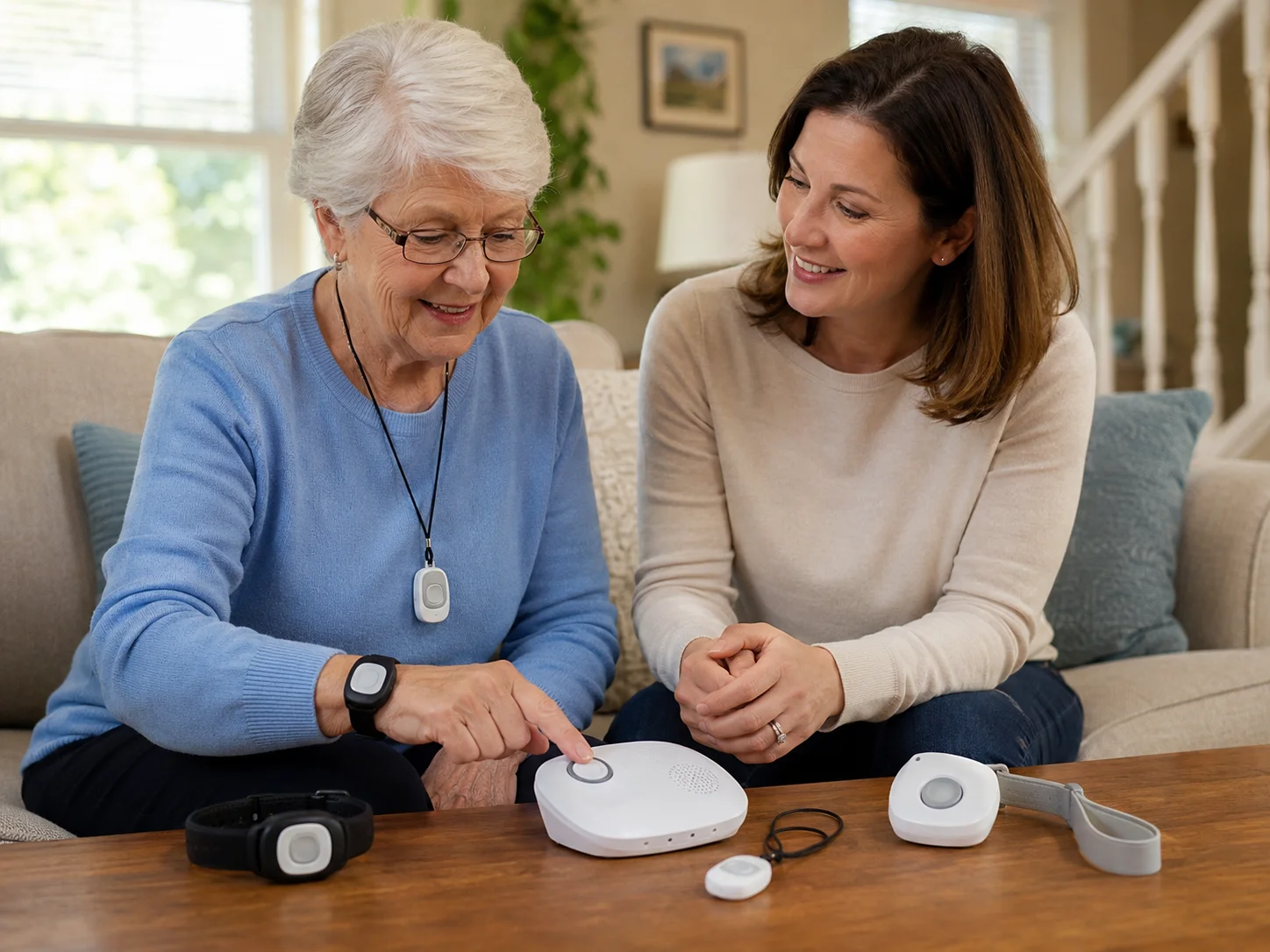
For years many of us laughed at the I’ve fallen and I can’t get up commercials, never thinking they might one day describe us. Then time passes, and the worry of falling or having a health emergency while alone becomes real, even for those of us who stay active. A medical alert system is a simple, practical way to know help is one button press away, so you can keep living independently at home.
This guide explains how these systems work, who benefits most, what they really cost in 2026, whether Medicare pays for them, and how to choose a reliable one without falling for high-pressure sales. It is written for older adults and for the family members helping them decide.
At a glance: Monitored medical alert systems typically cost about $20 to $50 per month, with automatic fall detection usually adding around $10 per month. Original Medicare does not cover them, though some Medicare Advantage plans and state Medicaid programs may help. About one in four adults age 65 and older falls each year, which is why fast access to help matters.
How medical alert systems work
A medical alert system, also called a personal emergency response system (PERS), connects you to help at the push of a button. You wear a pendant or wristband. When you press it, the device contacts a 24/7 monitoring center, where a trained operator speaks with you, assesses the situation, and dispatches emergency services or notifies a family member. Many systems now include GPS so responders can find you even if you cannot describe where you are.
These are no longer just a box tethered to a landline. Today they range from in-home base units to mobile devices and discreet smartwatches that work wherever you go. With most monitored systems you are paying for the monitoring service and using the company’s equipment, not buying the hardware outright.
Who needs a medical alert system?
A medical alert system is most valuable for older adults who live alone, have a history of falls, take medications that affect balance, or manage chronic conditions. According to the CDC, about one in four adults age 65 and older falls each year, and falls are the leading cause of injury-related death in that age group. The faster someone gets help after a fall, the better the outcome tends to be.
It is also a way to stay in your own home longer. Pairing a device with other support, such as in-home care when needed, can help you age in place safely rather than moving sooner than necessary.
Types of medical alert systems
| Type | How it works | Best for |
|---|---|---|
| In-home landline | Base unit connects through a home phone line | Homebodies who still have a landline |
| In-home cellular | Base unit uses a cellular network, no landline needed | Most at-home users today |
| Mobile with GPS | Wearable device works away from home and shares location | Active seniors who go out often |
| Medical alert smartwatch | Discreet watch with a help button and often step or activity tracking | Those who dislike a traditional pendant |
In-home base units typically cover a range of about 300 to 1,400 feet from the unit, so check that the range reaches every corner of your home and yard.
Key features to compare
| Feature | Why it matters |
|---|---|
| Automatic fall detection | Calls for help if it senses a fall and you cannot press the button. Useful, but not 100 percent accurate |
| 24/7 professional monitoring | The core of the service; a live operator answers any time |
| Battery backup | Keeps the base unit working during a power outage; longer is better |
| Waterproof wearable | Many incidents happen in the bath or kitchen, so waterproof beats water-resistant |
| Range and GPS | Determines where the device protects you, at home or out and about |
| Lockbox | Lets responders enter without breaking down a door |
| Caregiver app | Lets family check status or location from a phone |
| Medication reminders | Helpful for staying on schedule; pair with a prescription delivery service |
Fall detection is worth considering if you live alone or have a history of falls, but be realistic about it. Accuracy varies by device and by where the sensor sits on the body, and false alarms can happen. Treat it as a helpful safety net, not a guarantee.
How much do medical alert systems cost?
In 2026, monitored systems generally run $20 to $50 per month, with premium brands charging more. Automatic fall detection usually adds about $10 per month. Some companies charge a one-time activation or equipment fee, often in the $20 to $200 range, while others waive it. Watch for the details that matter:
- Favor month-to-month service over long contracts. Good companies do not need to lock you in.
- Ask whether unused prepaid months are refunded if you cancel.
- Be cautious of any company advertising completely free monitoring. The company has to make money somewhere, and that is a common scam signal.
- Ask about discounts for couples, veterans, AARP members, or paying annually.
Does Medicare cover medical alert systems?
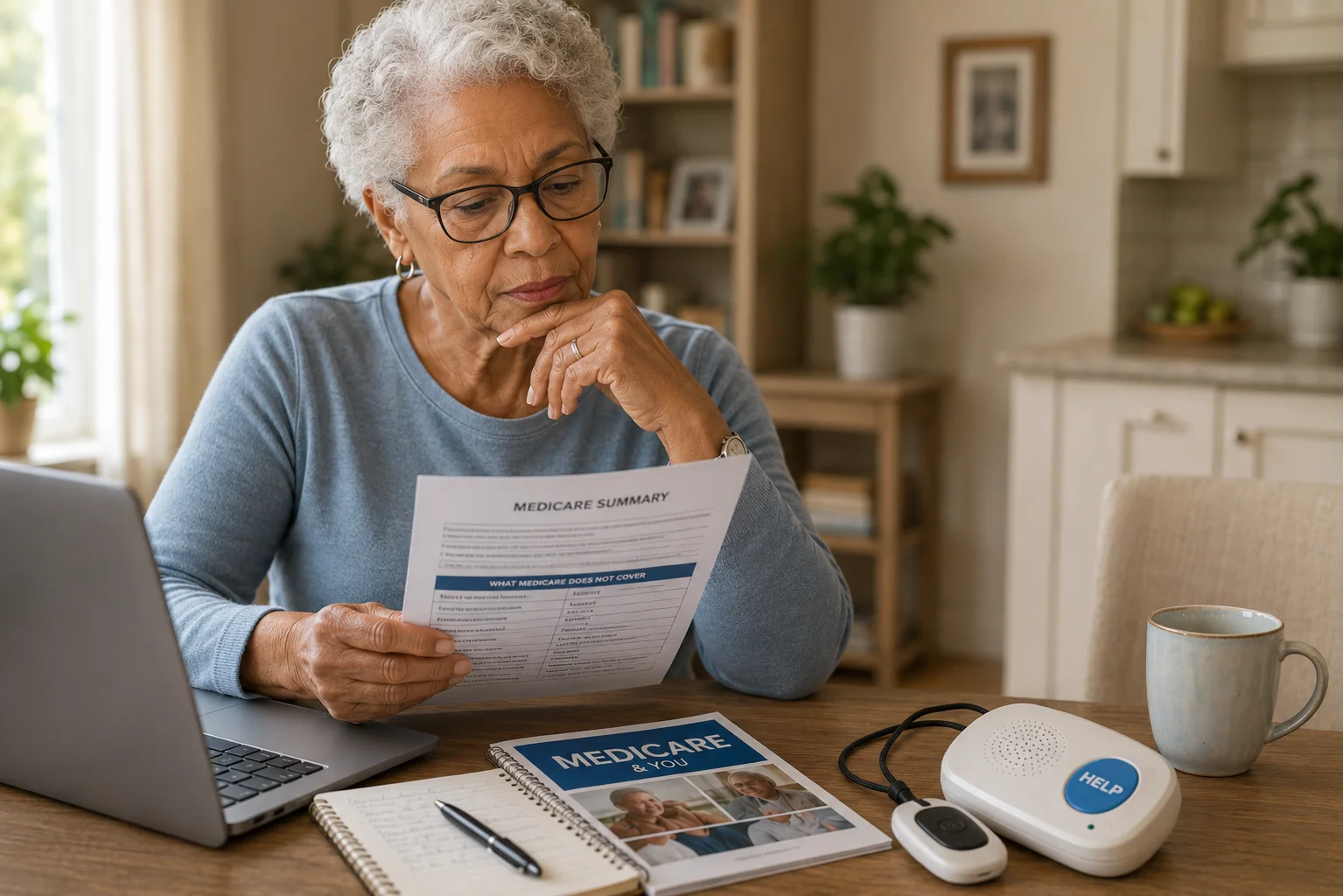
This is the most common question, and the short answer is usually no. Original Medicare (Part A and Part B) does not cover medical alert systems, because they are not classified as durable medical equipment. Medicare Supplement (Medigap) plans do not cover them either. There are, however, several other ways to reduce the cost:
- Medicare Advantage (Part C): some plans include a medical alert benefit, though it varies widely by plan and carrier. Check your plan details.
- Medicaid: many states cover personal emergency response systems through Home and Community-Based Services waivers. Rules vary by state.
- Veterans: the VA may provide or discount a system for eligible veterans.
- Long-term care insurance: some policies reimburse the cost.
- AARP and other memberships: some providers offer member discounts.
- HSA or FSA funds: may be usable depending on your plan.
Always confirm coverage directly with your plan or your state Medicaid office before buying.
What makes a good monitoring center
The monitoring center is the heart of the service, so its quality matters more than the look of the pendant. Look for a center that is U.S.-based, staffed around the clock, and certified, for example UL-listed and recognized by The Monitoring Association. Ask how fast operators typically respond, whether the center is owned by the company or contracted out, and whether operators can communicate in your preferred language. Set up an action plan with them: who to call first, your medical conditions, and how responders can get into your home.
Special considerations for seniors
- Test it everywhere: When the equipment arrives, press the button in every room and around the yard to confirm coverage before you rely on it.
- Backup battery: Ask how many hours the base unit runs during a power outage.
- Pacemakers and other implanted devices: Some pendants contain magnets. If you have a pacemaker or defibrillator, ask your cardiologist or the device maker how to wear a pendant safely rather than assuming it is fine.
- Comfort over looks: Style matters, but the right system for your needs comes first.
- Home security overlap: If you already have a monitored home security system, ask whether it offers a medical alert add-on.
How to choose and test a system
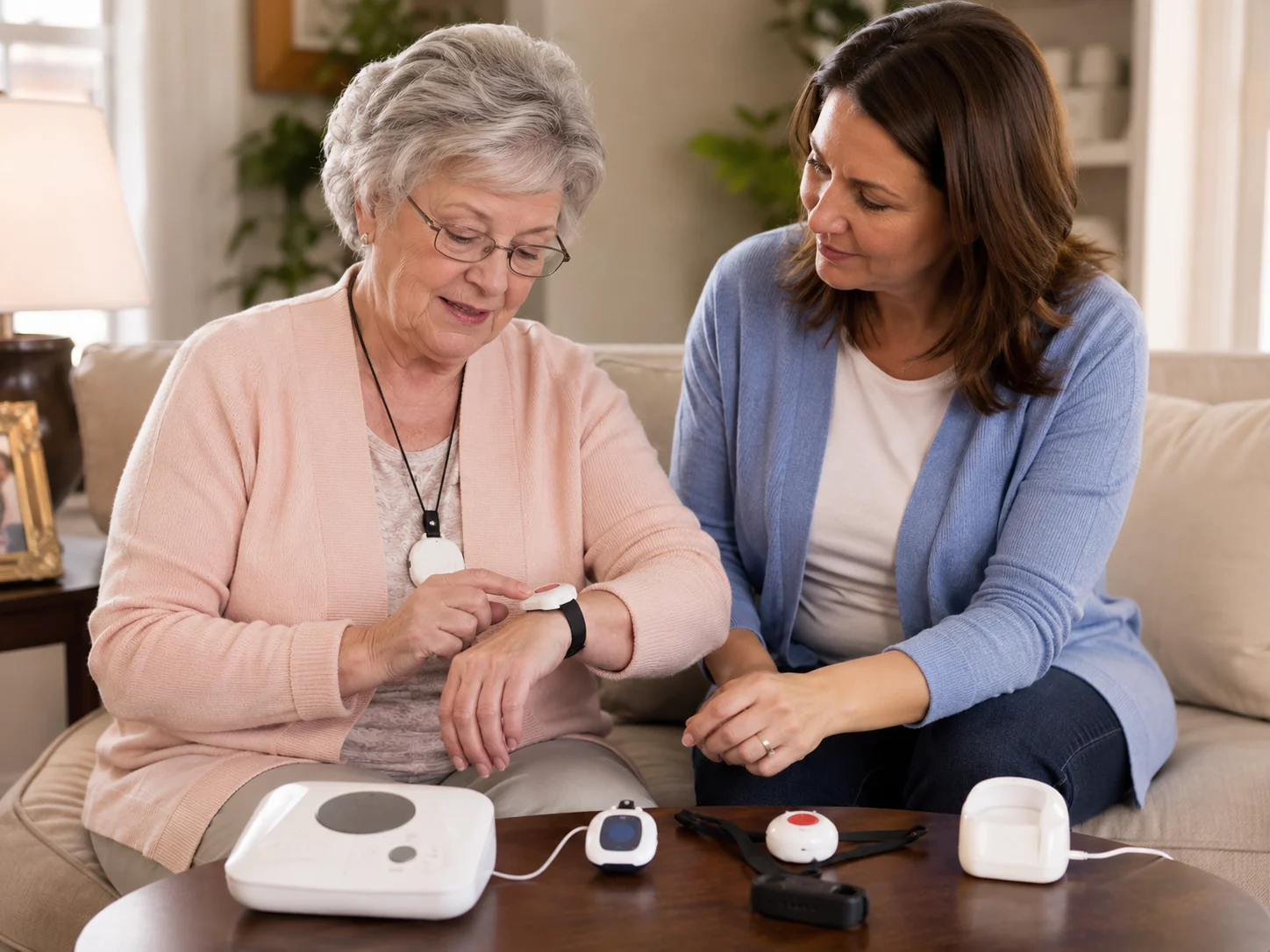
Start by listing what you need now and what you may need in a few years, then build a short list of companies that fit your budget and area. Ask senior centers, your local Area Agency on Aging, and trusted friends for recommendations. Take advantage of any risk-free trial, and if a system does not fit your home or lifestyle, return it. Confirm the return process is simple and that your account closes cleanly once equipment is sent back.
Avoiding scams and high-pressure sales
- Be wary of free systems and prizes that require your bank details.
- Do not respond to robocalls claiming a relative already ordered a device for you.
- Avoid companies that pressure you to sign a long contract on the spot.
- Get pricing and the cancellation policy in writing before you pay.
Frequently asked questions
Does Medicare cover medical alert systems?
Original Medicare (Parts A and B) and Medigap do not cover medical alert systems. Some Medicare Advantage (Part C) plans may include a benefit, and many state Medicaid programs cover them through waiver programs. Check directly with your plan or state office.
How much does a medical alert system cost per month?
Most monitored systems cost about $20 to $50 per month in 2026. Automatic fall detection usually adds around $10 per month, and some companies charge a one-time activation or equipment fee.
Is fall detection reliable?
It is a helpful safety net, especially if you live alone, but it is not 100 percent accurate. Detection depends on the device and where the sensor sits on the body, and false alarms can happen. It complements the help button rather than replacing it.
Do medical alert systems require a landline?
No. Most systems now offer cellular options that work without a home phone line, and mobile systems add GPS so they work away from home too.
Are medical alert systems worth it?
For older adults who live alone or have a history of falls, many find the peace of mind and faster access to help well worth the monthly cost, and a device may help someone stay in their own home longer.
Can I use a medical alert system if I have a pacemaker?
Often yes, but some pendants contain magnets, so anyone with a pacemaker or implanted defibrillator should ask their cardiologist or the device manufacturer how to wear one safely before relying on it.
The bottom line
Choosing a medical alert system is not like buying a new gadget. You are choosing a lifeline. Focus on a reliable, certified monitoring center, the coverage and features that fit your daily life, honest month-to-month pricing, and a simple return policy. Take advantage of a trial, test the device everywhere you live, and do not hesitate to switch if it does not fit. The goal is simple: to keep living independently, with help always within reach.

Sharon O'Day - Senior Advisor
Sharon O'Day is the Health editor at Grandfolk, where she commissions and reviews fitness, wellness, and senior-care content for accuracy, clarity, and real-world usefulness. At 60-plus, she writes for older adults from lived experience, testing the advice against the questions she and her peers actually ask. She focuses on guidance that is honest about both the benefits and the limits, and that always points readers back to their own doctor for personal decisions.